
The Assetto Corsa Traffic Planner (often associated with the 2REAL App) is a tool that enables realistic AI traffic spawning in single-player sessions. Unlike standard AI, this mod allows for dense traffic that spawns and despawns around you, making it ideal for free-roam maps like Shutoko Revival Project (SRP). 1. Mandatory Prerequisites
Before installing the mod, ensure your base game is fully updated and equipped with essential tools:
Assetto Corsa (PC Version): Mods are not supported on consoles.
Content Manager (CM): The essential alternative launcher for managing mods.
Custom Shaders Patch (CSP): You must have a recent version installed via CM (Settings > Custom Shaders Patch > About & Updates).
7-Zip or WinRAR: Required to extract the compressed mod files. 2. Installation Steps
The installation typically involves setting up the tool itself and a "car pack" that the tool uses to spawn vehicles. Install the Traffic Planner Tool: Download the Traffic Planner or 2REAL Traffic App.
Drag and drop the .zip file into the Content Manager window and click Install.
Alternatively, manually copy the extension folder from the mod into your main Assetto Corsa directory (...\Steamapps\common\assettocorsa). Install the Traffic Car Pack:
The planner needs specific low-polygon models to run efficiently. Download a compatible car pack (e.g., the 2REAL car pack).
Install it via Content Manager or by placing the car folders into content/cars. Add Track-Specific Data:
Most tracks require specific traffic.json and surfaces.ini files in their data folder to define where cars can spawn.
Common maps like SRP usually have these included or available as separate "Traffic" layout downloads.
Assetto Corsa Traffic Planner Mod is a specialized tool that transforms the racing simulator into an immersive open-world experience by injecting realistic AI traffic into maps. It is most famously used on high-density highway maps like Shutoko Revival Project Core Features Dynamic AI Spawning
: Uses "AI Flood" technology to continuously spawn and despawn cars around your vehicle, ensuring the road never feels empty without overloading your CPU. Behavior Customization
: Adjust how aggressive or passive the AI drivers are, including their lane-changing frequency and top speeds. Multiplayer Integration
: Allows server hosts to sync traffic across all players for a shared "weaving through traffic" experience. Essential Requirements
To run a traffic planner effectively, you need the following "Holy Trinity" of Assetto Corsa modding: Content Manager (CM)
: An alternative launcher that simplifies mod installation and settings management. Custom Shaders Patch (CSP)
: A massive framework that adds modern graphics and the "New AI Behavior" required for traffic logic.
: Weather and lighting engines that enhance the visual realism of the traffic and environments. How to Set Up Traffic The most common way to use traffic is via the Object Config Traffic Planner tool within Content Manager: Install Mods
: Drag and drop your desired traffic car pack and map into Content Manager. Enable AI Behavior : In CM, go to Custom Shaders Patch New AI Behavior is checked to keep cars spawning near you. Choose a Mode : Navigate to the tab and select
mode. This is the standard method for single-player traffic simulation. Add AI Opponents
: Select the "Traffic" cars you downloaded as your opponents to ensure the road is filled with everyday vehicles rather than race cars. Recommended Maps for Traffic Shutoko Revival Project (SRP) : The gold standard for Japanese highway racing. LA Canyons : Perfect for winding mountain road traffic. Pacific Coast : A scenic coastal drive with heavy AI integration. , or are you looking for server-side configuration
If you want, I can:
Which of those would you like next?
The Ultimate Guide to Assetto Corsa Traffic Planner Mod: Enhancing Your Racing Experience
Assetto Corsa, a popular racing simulator game, has been a favorite among racing enthusiasts since its release in 2014. One of the key features that sets it apart from other racing games is its modding community, which has created a wide range of mods to enhance the game's realism and replay value. One such mod is the Traffic Planner Mod, which adds a new level of realism to the game's traffic system. In this blog post, we'll take a closer look at the Assetto Corsa Traffic Planner Mod, its features, and how it can enhance your racing experience.
What is the Traffic Planner Mod?
The Traffic Planner Mod is a popular mod for Assetto Corsa that allows players to create and customize their own traffic scenarios. The mod was created to address the game's limited traffic system, which was seen as too simplistic and lacking in realism. With the Traffic Planner Mod, players can create complex traffic patterns, including multiple lanes, intersections, and even traffic lights.
Key Features of the Traffic Planner Mod
The Traffic Planner Mod comes with a wide range of features that enhance the game's traffic system. Some of the key features include:
Benefits of Using the Traffic Planner Mod
The Traffic Planner Mod offers a wide range of benefits for Assetto Corsa players. Some of the key benefits include:
Getting Started with the Traffic Planner Mod
Getting started with the Traffic Planner Mod is relatively straightforward. Here's a step-by-step guide:
Tips and Tricks for Using the Traffic Planner Mod
Here are some tips and tricks for getting the most out of the Traffic Planner Mod:
Conclusion
The Assetto Corsa Traffic Planner Mod is a powerful tool that can enhance the game's traffic system and add a new level of realism to the gameplay experience. With its customizable traffic patterns, multi-lane support, and intersections, the mod offers a wide range of benefits for players. Whether you're a seasoned racing enthusiast or a newcomer to the world of Assetto Corsa, the Traffic Planner Mod is definitely worth checking out.
Future Updates and Developments
The Traffic Planner Mod is actively maintained by its developers, who regularly release updates and new features. Some of the planned updates include:
Conclusion
The Assetto Corsa Traffic Planner Mod is a must-have for any serious Assetto Corsa player. Its realistic traffic scenarios, customizable settings, and community-created content make it an essential mod for anyone looking to enhance their gameplay experience. With its active development and planned updates, the mod is sure to continue to evolve and improve, offering players an even more immersive and realistic racing experience.
Title: From Track Day to Rush Hour: The Transformative Impact of the Assetto Corsa Traffic Planner Mod
Since its release in 2014, Kunos Simulazioni’s Assetto Corsa has maintained a dominant position in the sim racing landscape, largely due to its physics engine and an enthusiastic modding community. While the base game offers a pristine, high-fidelity racing experience focused on closed circuits and professional competition, it has historically lacked a crucial element of real-world driving: the unpredictability of public roads. For years, sim racers could only drive on empty tracks, but the introduction and evolution of the Traffic Planner mod fundamentally altered the platform. By bridging the gap between circuit racing and open-world exploration, the Traffic Planner mod has expanded the horizons of Assetto Corsa, transforming it from a strict racing simulator into a comprehensive driving life simulator.
The core function of the Traffic Planner mod is deceptively simple yet technically sophisticated. In the vanilla version of Assetto Corsa, "traffic" does not exist as a dynamic entity; there is the player, the track, and AI opponents who strictly follow racing lines. The Traffic Planner mod acts as a logic overlay for the game’s "CS" (Content Manager) and "CSP" (Custom Shaders Patch) infrastructure. It allows users to spawn AI vehicles on open-world maps—such as the iconic LA Canyons, Shuto Expressway, or the Touge runs—and dictate their behavior through a waypoint system. Instead of racing against a grid of twenty cars on a loop, the mod enables the creation of persistent traffic flows, where civilian cars obey speed limits, stop at intersections, and react to the player’s presence. This technical injection of "life" into static environments is the mod’s primary achievement.
The impact of this mod is most profoundly felt in the realm of "Cruising" and "Touge" culture. Before the widespread adoption of Traffic Planner, driving on sprawling open-world maps felt sterile. A player could drive a perfectly simulated Mazda Miata through a digital rendition of a Japanese mountain pass, but the experience was solitary. With the Traffic Planner, these roads become living ecosystems. Enthusiasts of the Japanese "Midnight Club" aesthetic can now recreate the experience of weaving through highway traffic in a tuned Supra, or navigate the tight constraints of a mountain pass where a mistake means a head-on collision with an oncoming delivery truck. This unpredictability introduces a new layer of skill—defensive driving and spatial awareness—that is entirely different from the precision required in hot-lapping a race circuit.
Furthermore, the Traffic Planner mod has revolutionized roleplay and driver training within the simulation. For communities such as "Con Glasgow" or various virtual police roleplay groups, the mod is indispensable. It allows administrators to set up complex scenarios, such as accident sites or traffic jams, forcing players to navigate legal road rules rather than racing lines. For novice drivers, the mod offers a low-stakes environment to practice clutch control, gear shifting, and lane discipline in a simulated urban environment. It essentially turns Assetto Corsa into a primitive yet effective "City Car Driving" clone, but with vastly superior physics and graphics. assetto corsa traffic planner mod
However, the mod is not without its limitations. Because Assetto Corsa was never originally engineered for stop-and-go city traffic, users often encounter quirks. AI vehicles can sometimes be "blind" to the player’s car, braking erratically or failing to yield at complex junctions. The performance impact can also be significant; spawning high-poly traffic cars on large maps can strain even powerful CPUs. Yet, these technical shortcomings are often overlooked by the community because the payoff—infinite replayability and immersion—is so high. The existence of these bugs highlights the ambitious nature of the modders who are essentially forcing a racing engine to behave like an open-world game engine.
In conclusion, the Assetto Corsa Traffic Planner mod represents the pinnacle of what community-driven development can achieve. It took the rigid structure of a motorsport simulator and broke it open, allowing for the chaos, boredom, and thrill of real-world driving. By enabling players to populate their dream drives with traffic, the mod has ensured that Assetto Corsa remains relevant not just as a tool for racing drivers, but as a digital playground for car enthusiasts of all disciplines. It has successfully turned the virtual track into a virtual world.
The Assetto Corsa Traffic Planner is a specialized script-based tool used to populate maps with dense, realistic offline traffic. Unlike the standard "Track Day" AI, which often strains the CPU and has limited car counts, Traffic Planner is highly efficient, allowing for hundreds or even thousands of vehicles on expansive open-world maps. Core Functionality
Object Inspector Integration: The tool is accessed in-game via the Objects Inspector app (under Developer Apps in the sidebar).
Real-time Control: Users can adjust traffic density and vehicle speed on the fly using sliders.
Intelligent Behavior: Vehicles are programmed to follow lanes, stop at intersections, and yield to other cars.
Resource Efficiency: It is generally easier on the CPU than traditional AI racing splines. Installation Requirements
To use Traffic Planner, you must have the following core mods installed:
Content Manager: The essential custom launcher for managing Assetto Corsa mods.
Custom Shaders Patch (CSP): Required for the script to run; version 1.79 or newer is typically recommended.
Traffic Tool Scripts: Often sourced from creators like 2Real on Patreon or specialized mod sites. Popular Maps for Traffic
The mod requires specific map files (traffic.json and surfaces.ini) to tell the cars where to drive. The most popular maps include:
feature, along with how it would theoretically be implemented within the mod's architecture. Feature Concept: Dynamic Rush Hour & Density
This feature would allow traffic density and speed to change automatically based on the in-game clock, simulating a realistic day-night cycle on maps like Shutoko Revival Project LA Canyons 1. Core Functionality Time-Based Scaling:
Traffic density increases during "Rush Hour" (e.g., 08:00 and 17:00) and decreases significantly at night. Speed Variation:
AI speed limits drop when density is high, simulating congestion, and increase during off-peak hours. Randomized Events:
Rare "Traffic Jams" or "Stalled Vehicles" could spawn randomly based on a probability slider. 2. Technical Implementation (Lua Scripting) To implement this in the traffic_planner
Lua environment, you would modify the main simulation loop to read the current in-game time from the Custom Shaders Patch (CSP) data. Accessing Game Time: ac.getSim().timeToDay to determine the current hour. Density Multiplier:
Create a function that maps the time of day to a multiplier ( Updating Spawns: Hook into the spawn_nearby
logic to adjust the maximum allowed cars based on that multiplier. 3. New UI Controls If you were adding this to the or the in-game Traffic Planner Enable Dynamic Flow: A toggle to activate time-of-day scaling. Rush Hour Peaks: Input fields to set which hours are the busiest. Congestion Aggression:
A slider to determine how much the AI speed should drop during peak density. How to Access the Current Planner
To see the existing features you can build upon, you can access the tool in-game: Open Object Inspector:
Navigate to the sidebar on the right and find the "Objects Inspector" app. Open Traffic Planner: Inside the Inspector, go to the "Tools" dropdown and select Traffic Planner Adjust Basic Settings: You can currently manually adjust the number of cars spawn distance Lua code snippet to help you start scripting a custom rule for the planner?
The Assetto Corsa Traffic Planner (often associated with the 2Real or CSP Traffic Tool) is widely considered a transformative mod that shifts the game from a circuit racer into an immersive, open-world driving simulator. Key Features & Performance The Assetto Corsa Traffic Planner (often associated with
High Vehicle Density: It can spawn up to 2,000 traffic cars in a single session, allowing for "No Hesi" style highway weaving.
Dynamic Intelligence: Unlike standard AI, these cars can handle intersections, lane merging, and traffic lights across sprawling maps like Shutoko Revival Project.
Performance Efficiency: Users from Reddit note that the Object Inspector/Traffic Planner method is generally easier on the CPU than traditional "Track Day" AI opponents, though there is a brief FPS hit during initial loading.
Customization: The tool allows users to draw their own intersections, create pedestrian paths, and save custom car lists directly within the app. Pros and Cons
The Traffic Planner (often referred to as the 2Real Traffic App
) is widely considered a groundbreaking tool for transforming Assetto Corsa
into a living free-roam simulation. It is distinct from the traditional "Track Day" AI, which is often limited by CPU performance and available pit stalls. Core Features & Strengths
High Density Performance: The mod is exceptionally efficient on system resources, allowing for sessions with up to 2,000 cars simultaneously—far exceeding the ~32-car limit of standard AI.
Dynamic Simulation: Vehicles in this mod can navigate expressways, stop at traffic signals, and maneuver through intersections.
Customization Tools: An in-game menu (accessed via the Objects Inspector) allows you to adjust traffic density, speed, and even toggle "lane switching" on the fly.
Immersive Add-ons: Recent updates have introduced 3D walking pedestrians and police chase modes to further enhance the open-world feel. Critical Limitations
Lower Logic Quality: Compared to standard AI, the "scripted" nature of Traffic Planner means vehicles may have simpler driving behaviors and do not always react perfectly to the player's presence.
Visual Compromises: Traffic cars are often low-poly "traffic versions" to save on performance; some may even lack functional brake lights.
Replay Mode Issues: A notable drawback is that traffic cars typically do not appear in replay mode, making it difficult to record cinematic "no hesi" runs.
Setup Complexity: Installation is significantly more involved than standard mods, requiring Content Manager, Custom Shaders Patch (CSP), and specific track layouts with traffic.json files. Recommendation
Choose Traffic Planner if: You want dense, chaotic traffic for freeway weaving on maps like Shutoko Revival Project or LA Canyons without crashing your CPU.
Choose Track Day AI if: You prioritize more realistic racing logic, smaller groups of high-quality car models, and the ability to watch your driving back in replays.
Most current traffic planners function like a "conga line"—cars follow a strict, pre-defined path (a fast lane and a slow lane) with little variation. If you place 20 cars, they all behave identically, leading to predictable and eventually boring drives.
The "Dynamic Route Injection" feature would solve this by allowing the planner to treat the AI path as a network of possibilities rather than a single railroad track.
Date: 2024-05-20 (Current context date for analysis)
Subject: Third-party modification for Kunos Simulazioni's Assetto Corsa
Type: Utility / Gameplay Enhancement Mod
Platform: PC (primarily Steam version)
"Traffic ahead, two car lengths. Overtake when clear." This voice mod turns the Traffic Planner into a co-driver experience.
If you want ready-to-play traffic, download these. They often include a traffic planner config file.
| Mod Name | Description | Key Feature |
| :--- | :--- | :--- |
| Shutoko Revival Project (SRP) | Tokyo highway with full traffic. | Includes traffic_planner.json and dedicated AI lines. |
| LA Canyons | Massive California canyon roads. | Traffic planner config for oncoming cars. |
| High Force (Union Island) | Tropical open-world map. | Built-in traffic planner support. |
| Pushin' P | Urban free-roam map. | Pre-configured dense traffic. |
This is the secret sauce. You can disable lanes. Total Cars: Slider from 0 to 60
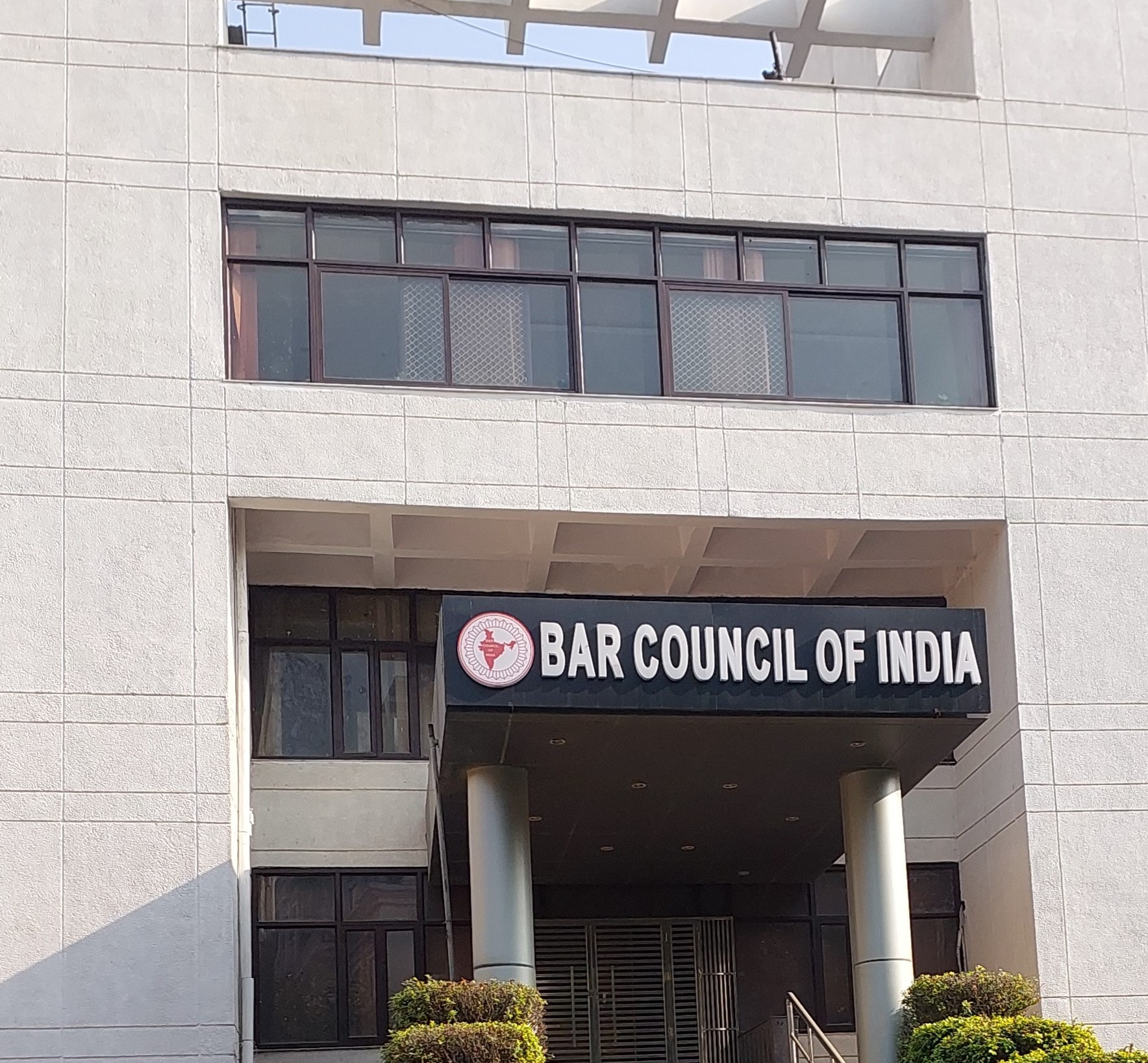
The statutory powers and functions of the BCI as conferred by means of the Advocates Act, 1961 as well as the BCI Rules are two fold;
First, to supervise the centres of legal education functioning all over the country and the students enrolled therein, inter-alia by laying down the standards of curriculum, standards of infrastructure, number and qualification of faculties, recognition of centres of legal education (Law Schools/Colleges) based upon the standards laid down by BCI and;
Secondly, to prescribe a uniform qualification for the admission of persons to be advocates and to further regulate the entry and over all conduct of Advocates in the profession by laying down standards of professional conduct and etiquettes for advocates.